Built for people
who are not technical

You should not have to learn our trade to buy an app. So the build runs in four stages, each one ends in something you can look at or tap, and nothing moves on until you have said yes to it.

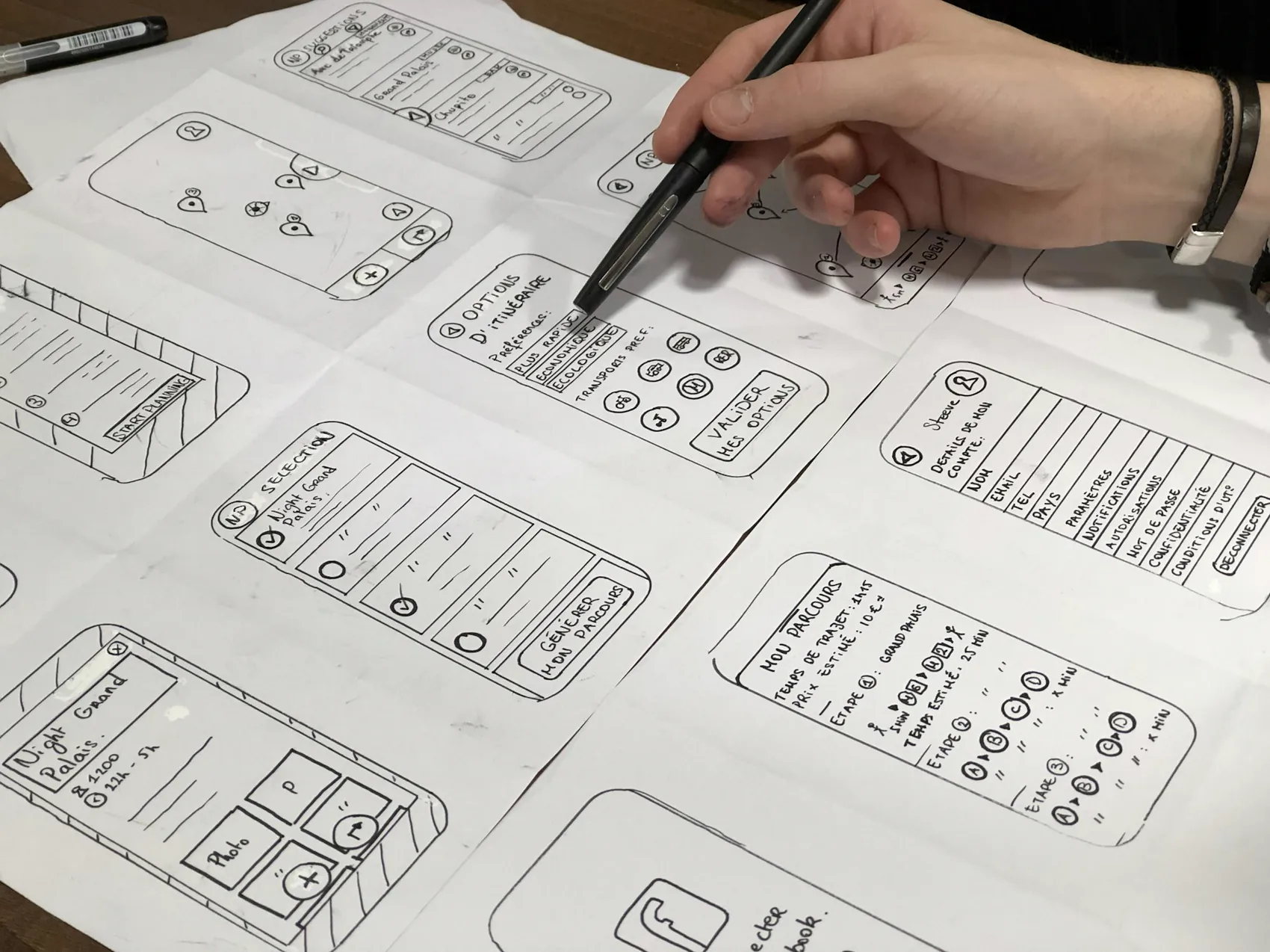
Hand drawn wireframes of app screens laid out on paper
Stock photograph

01

Scope

We work out what the app has to do, who is going to open it and what the first version needs to carry. Most of this stage is us asking questions about how you work now.

  • What it must do
  • Who opens it
  • Screen map
  • The first version
  • What waits for later
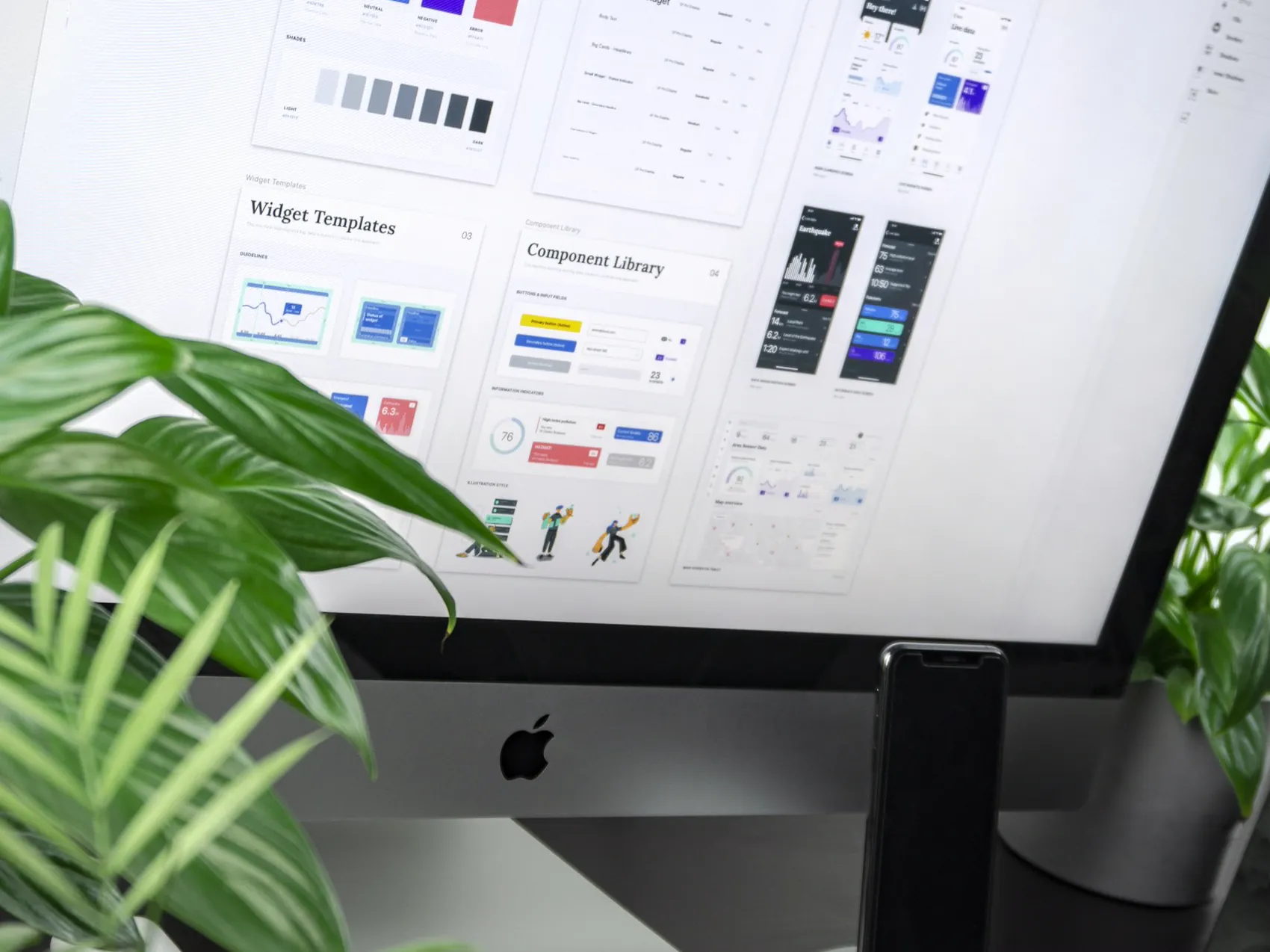
A design system open on a desktop monitor, colours, text styles and components
Stock photograph

02

Drawn

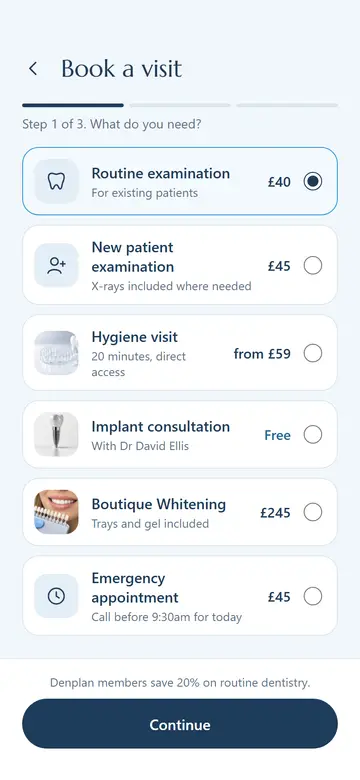
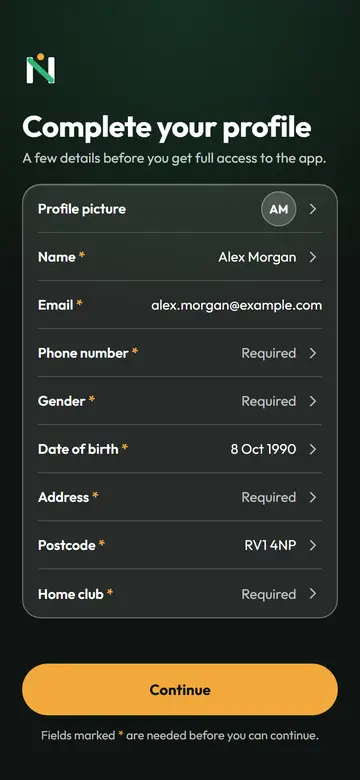
Every screen is drawn out on your own brand, in your words, with your prices. Each state of each screen, not just the happy path, so nothing gets agreed by description alone.

  • Every screen
  • Your brand and type
  • Each state drawn
  • Icon and splash
  • Design canvas
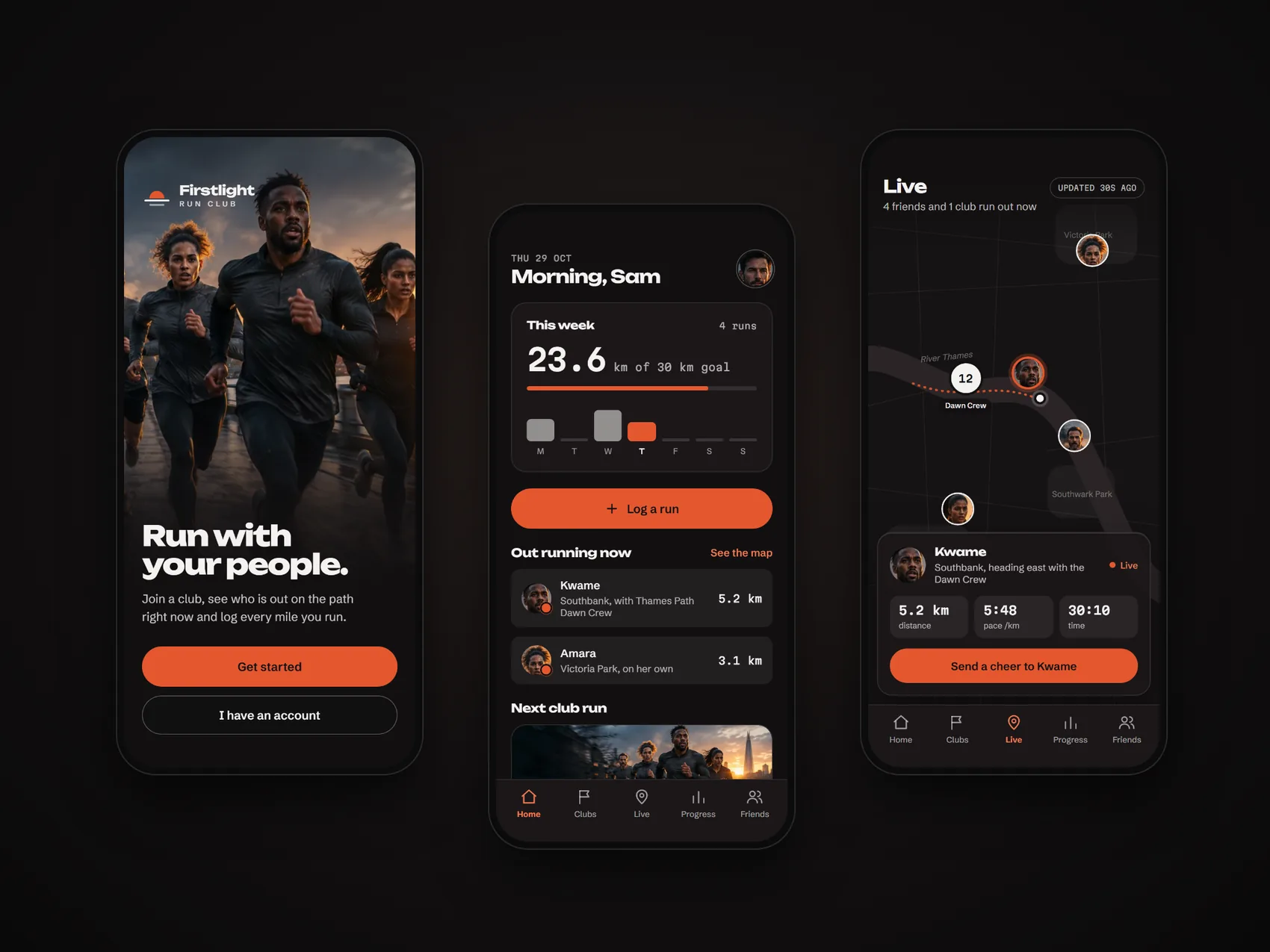
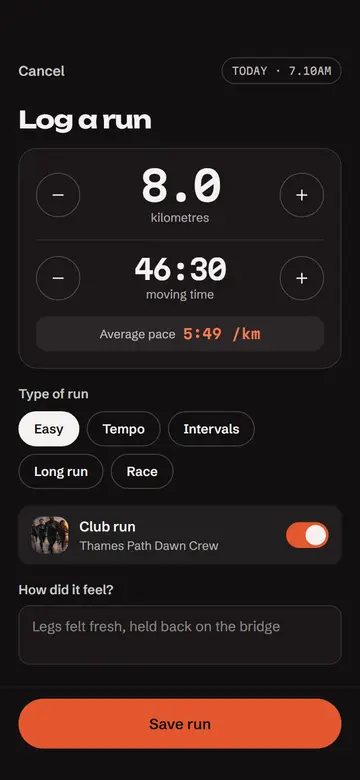
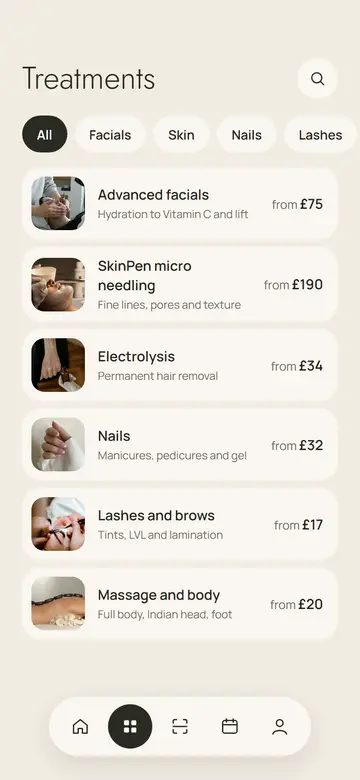
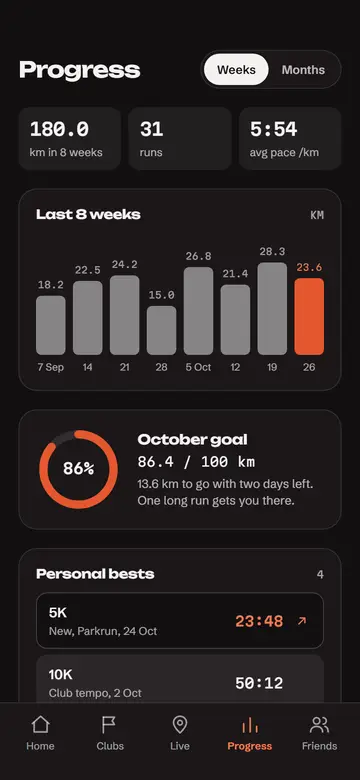
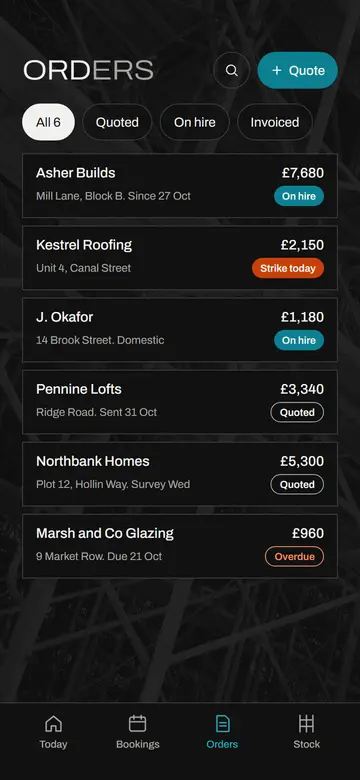
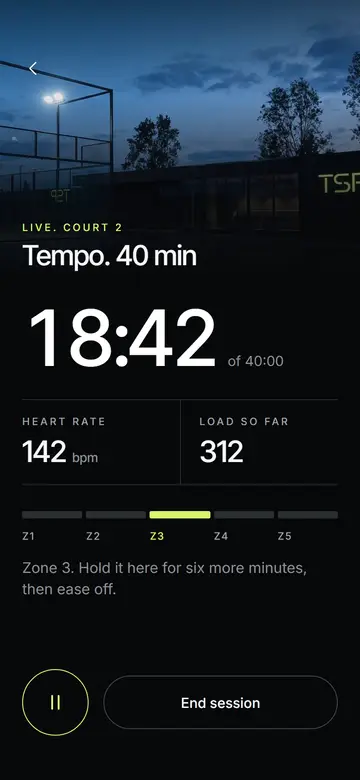
Three screens from the Firstlight Run Club prototype
Our own build: Firstlight Run Club

03

Tapped

Those screens become a prototype you open on your own phone and tap through, end to end. You sign off on something you have actually used, and a walkthrough goes out for anyone who needs to see it.

  • Clickable prototype
  • On your own phone
  • Walkthrough recording
  • Changes before code
  • Your sign off
Two monitors on a desk with an interface open across both
Stock photograph

04

Built

Only once the prototype is signed off does the app get built, on the stack below. Test builds land on your phone as it comes together, so you are never waiting to find out what you bought.

  • iOS and Android
  • Backend and data
  • Test builds
  • Quality pass
  • Launch

The stack
underneath

Chosen around what your app has to do, not around what we feel like writing. Native where native earns it, cross platform where it saves you money.

Mobile

  • SwiftNative iPhone, where the app needs the hardware or the last ounce of polish
  • iOS and AndroidBoth stores, from one agreed set of screens
  • React NativeOne codebase across both platforms, when that is the sensible way to spend your budget
  • ExpoHow a React Native build gets out: test versions reach your phone without waiting on an app store review

Web

  • ReactWeb apps, portals and anything your team opens on a desktop rather than a phone
  • VercelWhere the web side is deployed and served, with every change previewable before it goes live

Behind it

  • LaravelThe back end: accounts, data, the admin your staff use and the integrations your app depends on
  • SupabaseDatabase, sign in and file storage with no server to look after, where that suits the app better

In every build,
not extra

None of the following is a line item we add at the end. They are part of how the thing gets made.

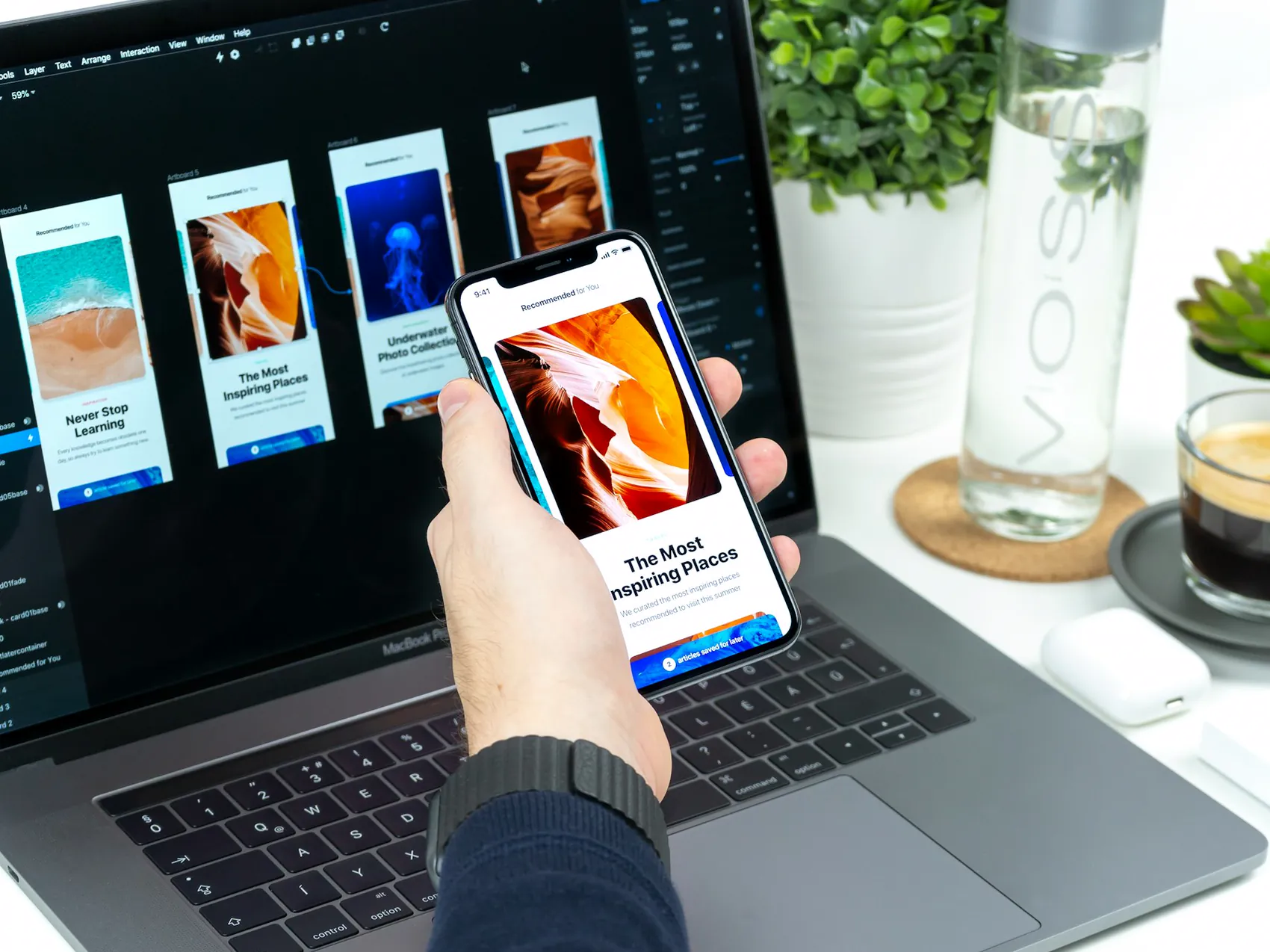
A phone held in one hand running an app, with its screens open on a laptop behind
Stock photograph

Stage one is
a conversation.
Start there.

Tell us what your business does by hand today and how often it goes wrong. We will tell you honestly whether an app is the answer.